Configuring your repository
Once you've added your first repository, it's important that you configure Codacy's analysis tools to match the use cases of your team, such as configuring any coding conventions and best practices that your team may already be following or that you want to promote. It's also critical to review the configurations to avoid reporting false positives or any other issues that don't bring value to your team, which can introduce unwanted delays to the development process.
You can optionally add coverage reports to detail how much of your code is covered by tests and unify your quality and coverage pipelines. You can generate coverage reports and upload them to Codacy using a range of options, such as CI/CD integration, CLI, Docker, GitHub action, and more.
To configure your repository, follow these steps:
1. Ignoring files
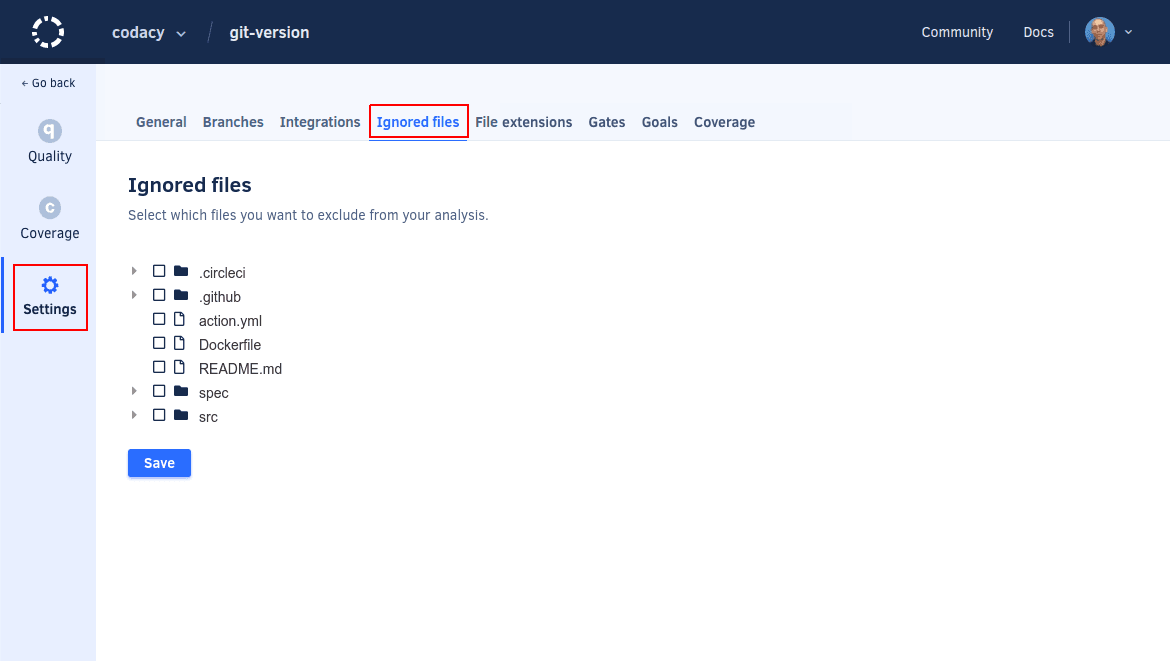
Ignore any files and directories that aren't relevant for the Codacy analysis, such as generated code or any third-party libraries included in your repositories.
2. Configuring code patterns
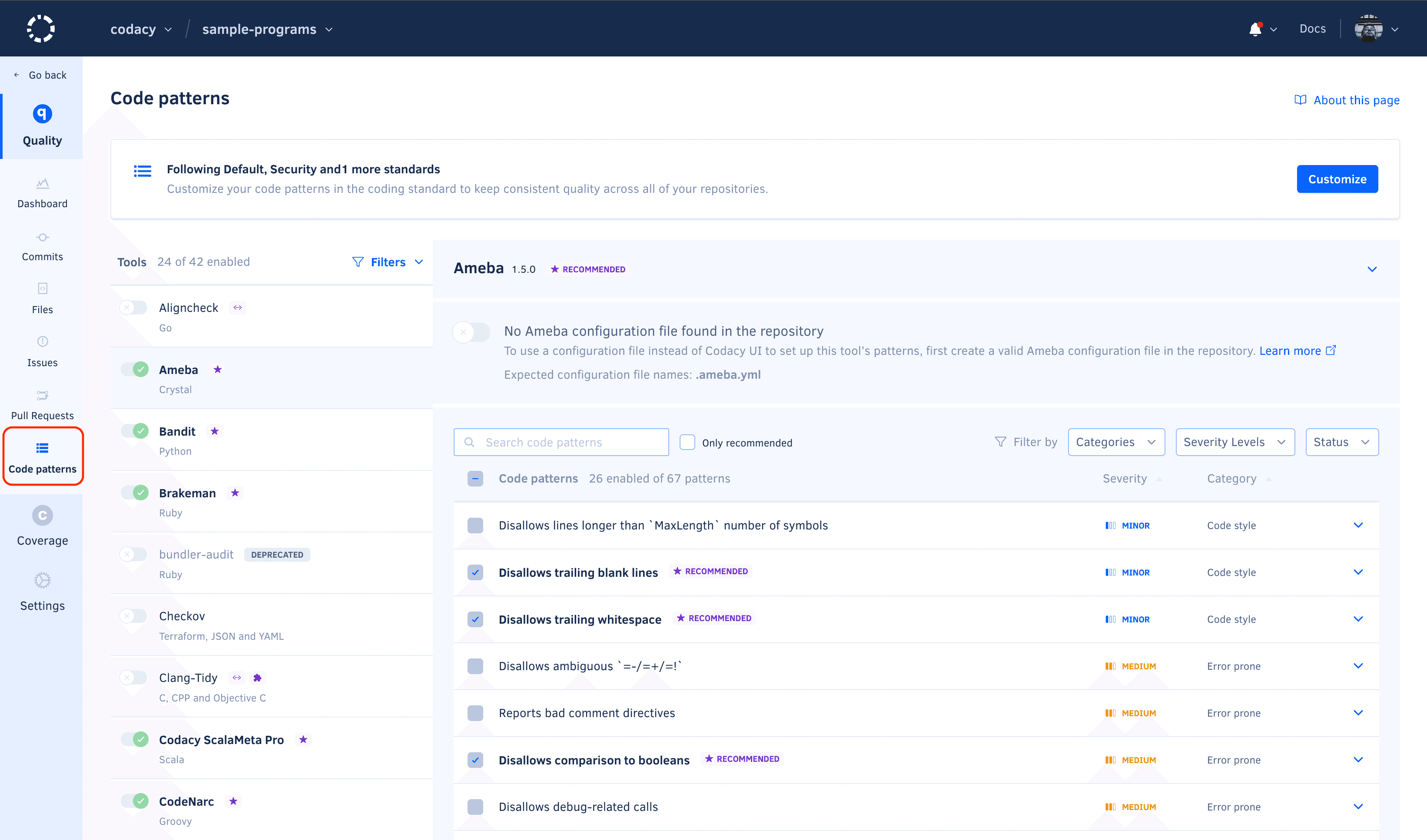
Configure the tools and code patterns that Codacy uses to analyze your repository. If security is important for your team, review the Security and risk management dashboard to ensure that your configuration detects potential security issues.
To ensure that multiple repositories consistently follow the same global tool and code pattern configurations, use an organization coding standard.
3. Adding coverage to your repository (optional)
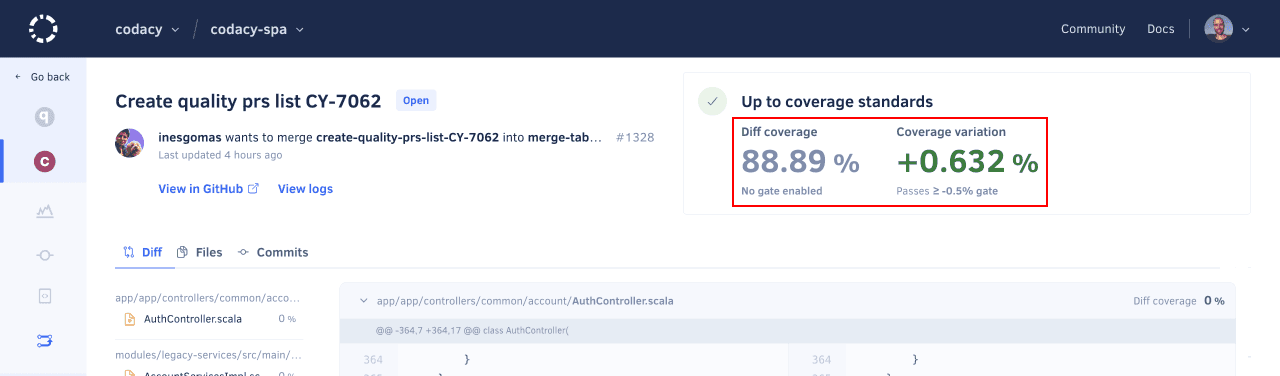
If you want to use code coverage to block merging pull requests that don't meet your quality standards, make sure that you add coverage to your repository.
It's important that you set up coverage beforehand because Codacy can only report the coverage status for pull requests after receiving reports for the last commits on both the pull request branch and the target branch.
Next steps
Once you’re satisfied with your setup, integrate Codacy with your Git workflow to flag potential issues, block problematic pull requests, and display other useful suggestions directly on your Git provider.
To showcase the current code quality grade and coverage, add a Codacy badge to your repository.