Why can't I see my organization?
If you can't add your organization to Codacy because it doesn't appear on the Organizations page, please try re-adding your Git provider by clicking Add provider on the Organizations page:

If you still can't see your organization on Codacy, follow the steps below to check if the issue is solved:
-
Re-add your Git provider by clicking Add provider on the Organizations page.
-
Make sure that you have access to the organization on the Git provider using the account that you used to log in on Codacy.
-
If you're using GitHub install and authorize Codacy on your organization.
-
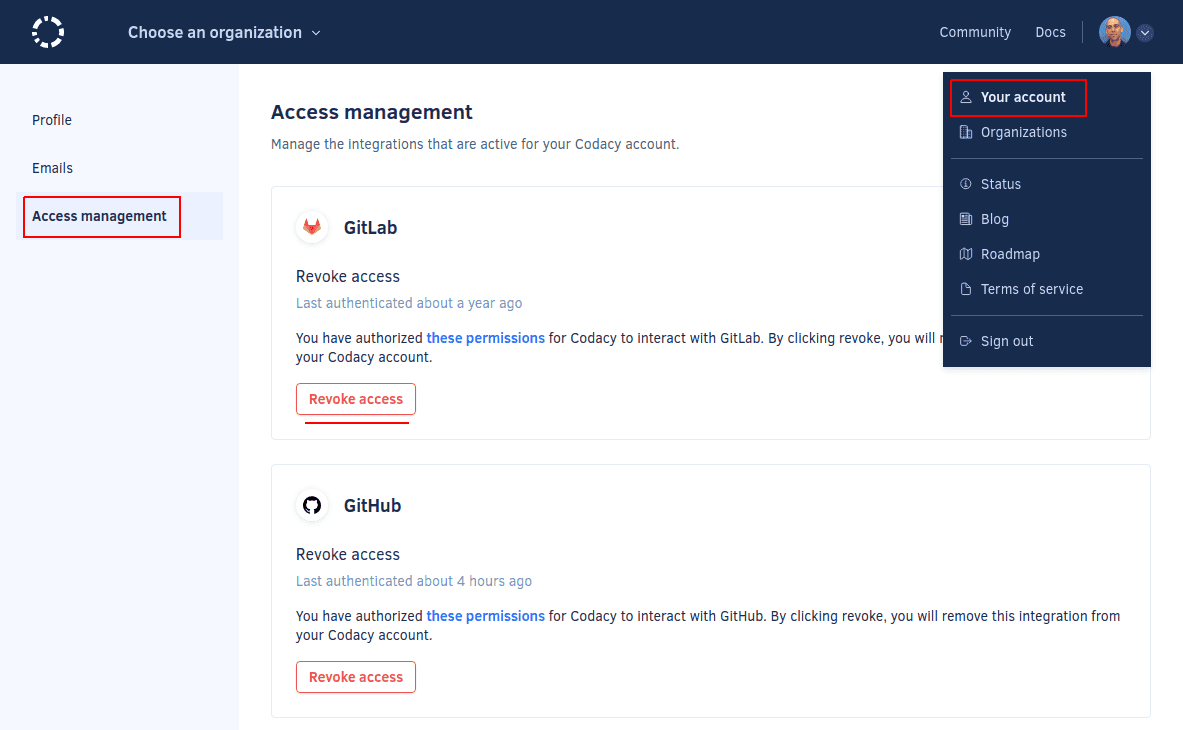
Revoke Codacy's OAuth integration with your Git provider and log in again to Codacy.
If these steps don't solve the issue, please contact us at support@codacy.com.